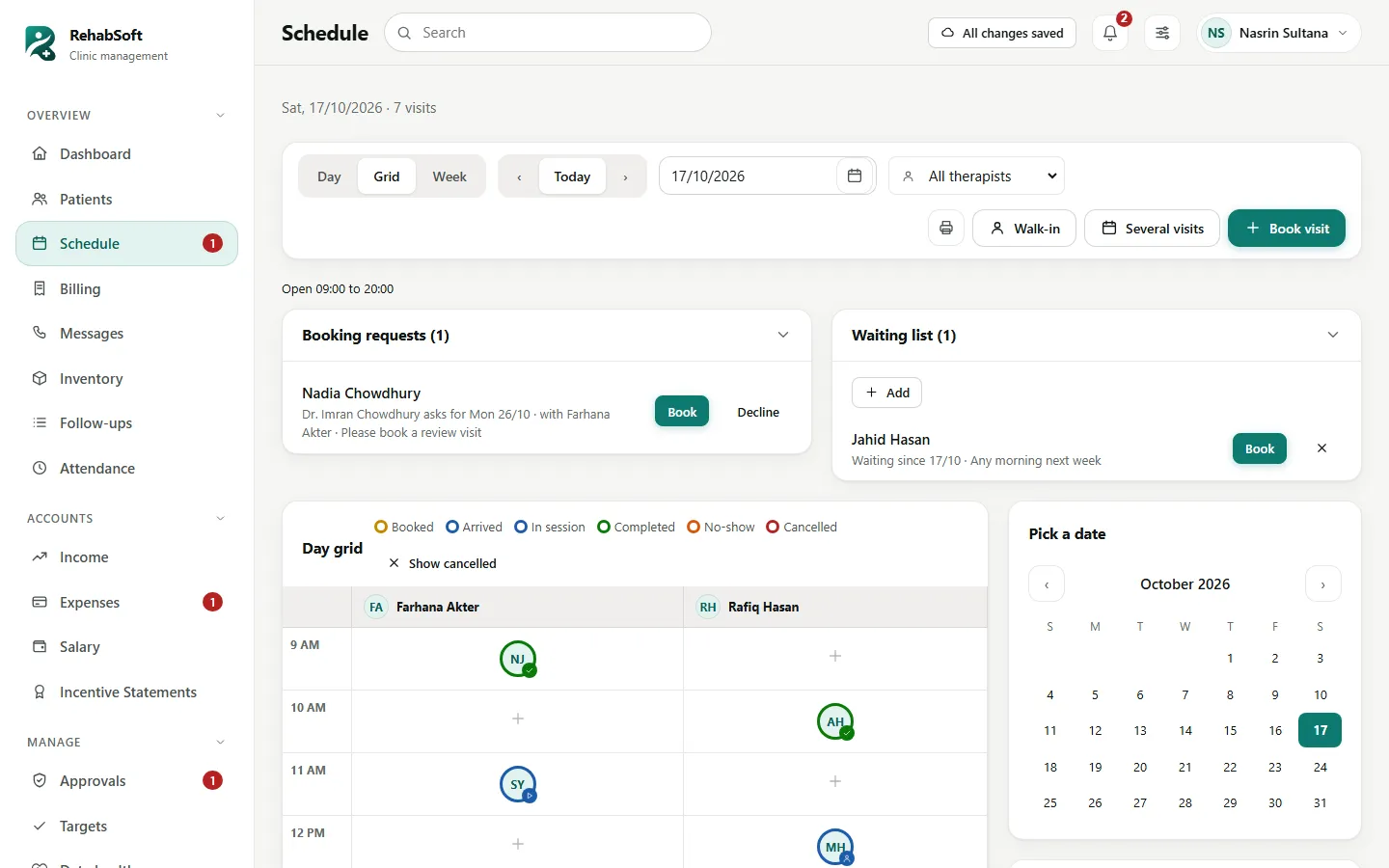
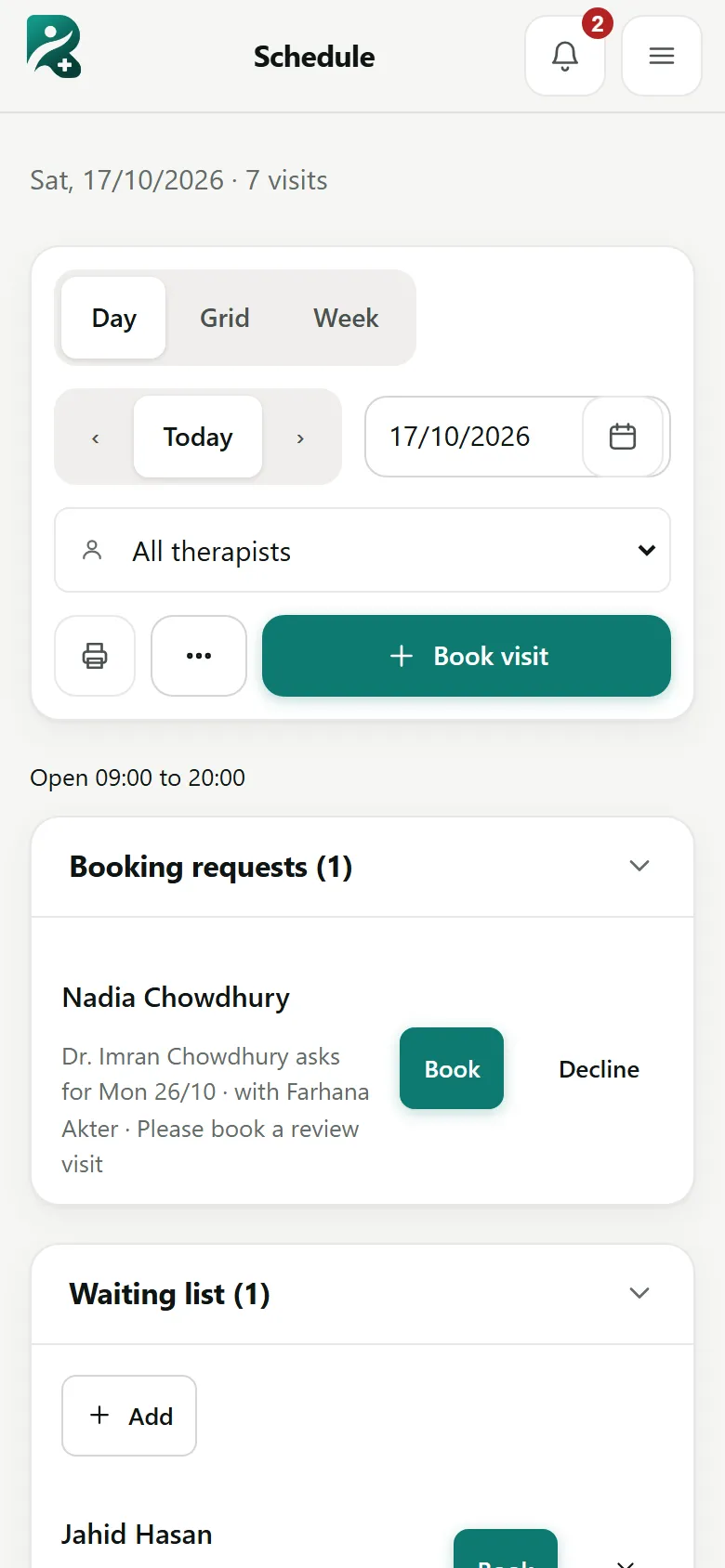
Day, grid and week, with every patient as a face
Book one visit or a course of ten. See each therapist's hour at a glance, with a ring for booked, arrived, in session and done. Overlaps and days off warn you before they happen.

RehabSoft is the system our centres use every day: patients, visits, clinical records, prescriptions, billing and accounts in one place. This site is for the people who use it: what it does, the manual for each role, and step-by-step tutorials.
From the moment a patient walks in to the salary sheet at the end of the month, each step happens once, in the right place, by the right person.
Book one visit or a course of ten. See each therapist's hour at a glance, with a ring for booked, arrived, in session and done. Overlaps and days off warn you before they happen.

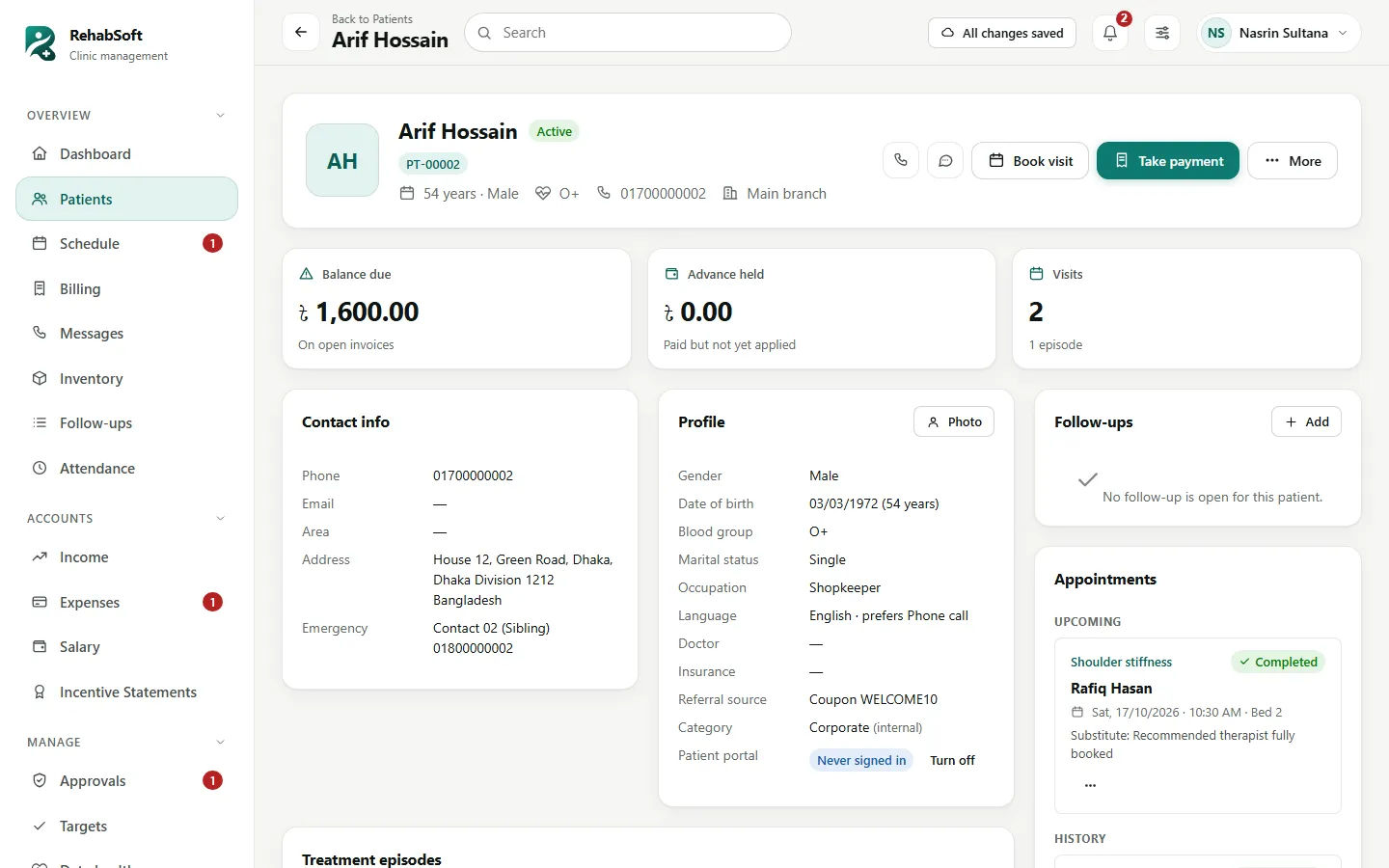
Registration with duplicate check, a patient ID, episodes for each condition, visits, money due and follow-ups. Patients can register themselves from a QR code at the desk.

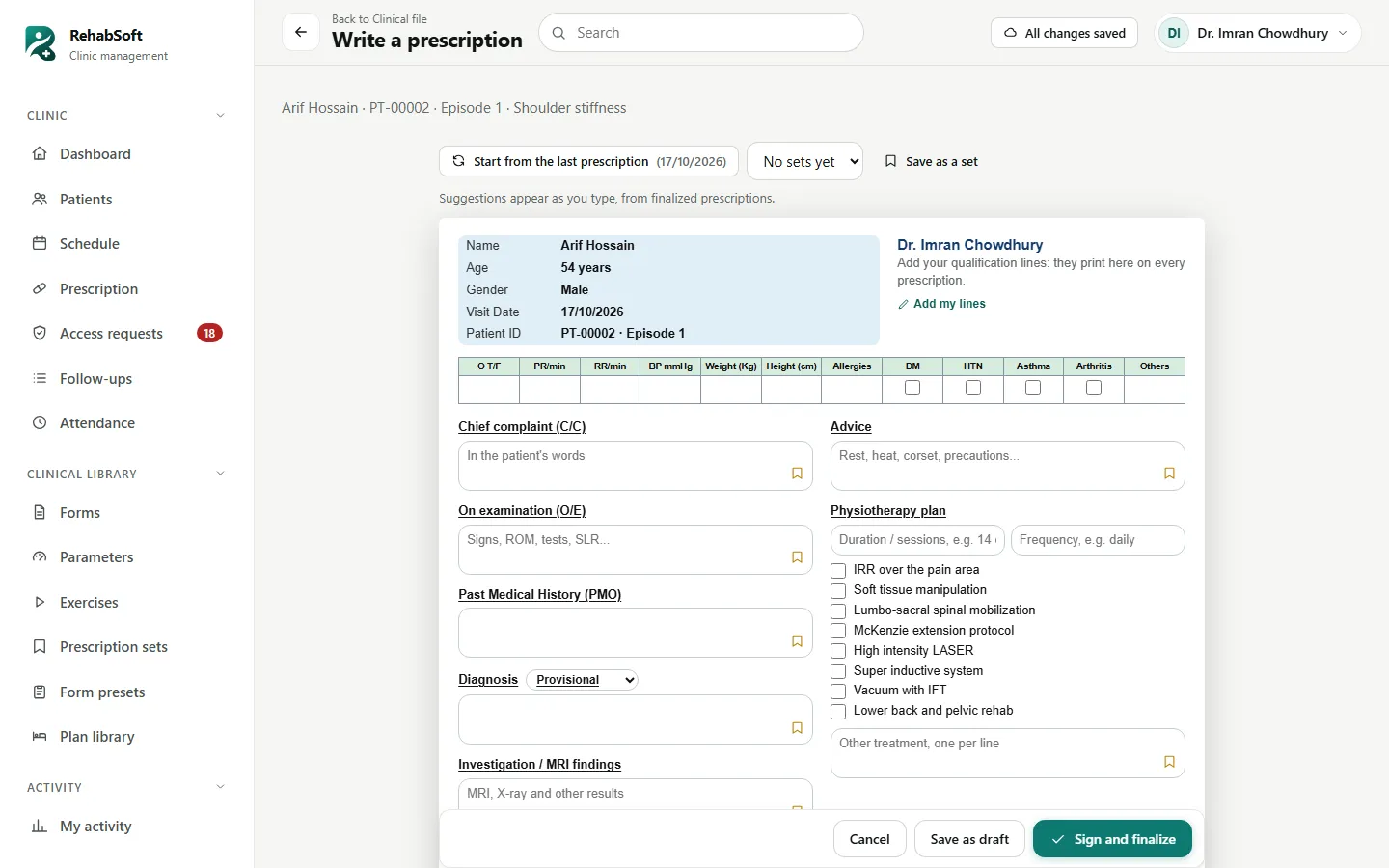
The screen looks like the centre's A4 pad. Ready lines, saved sets and the last prescription fill it in seconds. Once signed it can never be edited, and anyone can check it by its code.

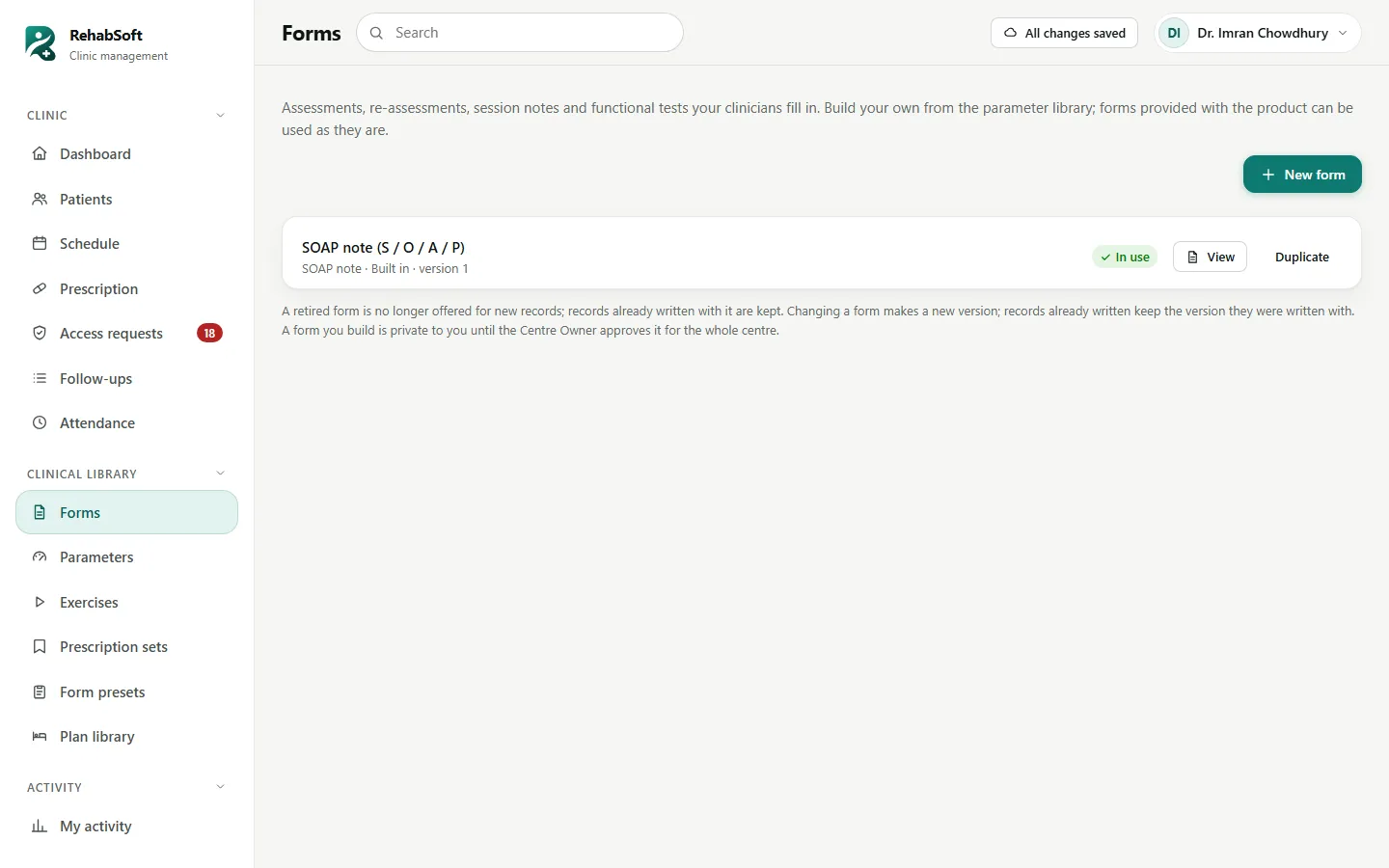
Forms built from a library of measurements, signed records with versions and addenda, home exercise programmes, treatment plans and progress reports compiled from what was recorded.

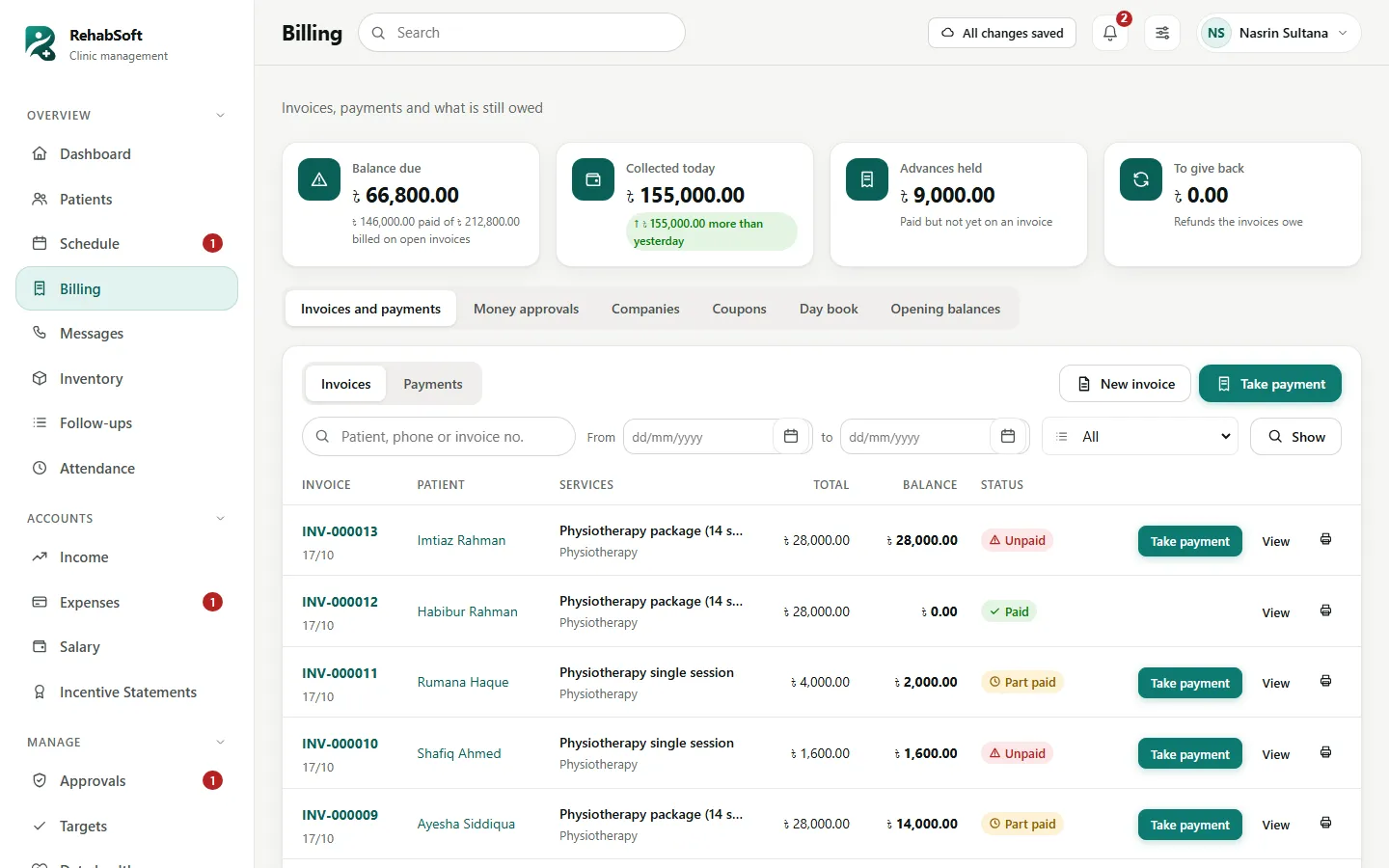
Services by category, packages of sessions used visit by visit, discounts with limits, advances, refunds and receipts numbered in one series. A correction is a new line, never a rewrite.

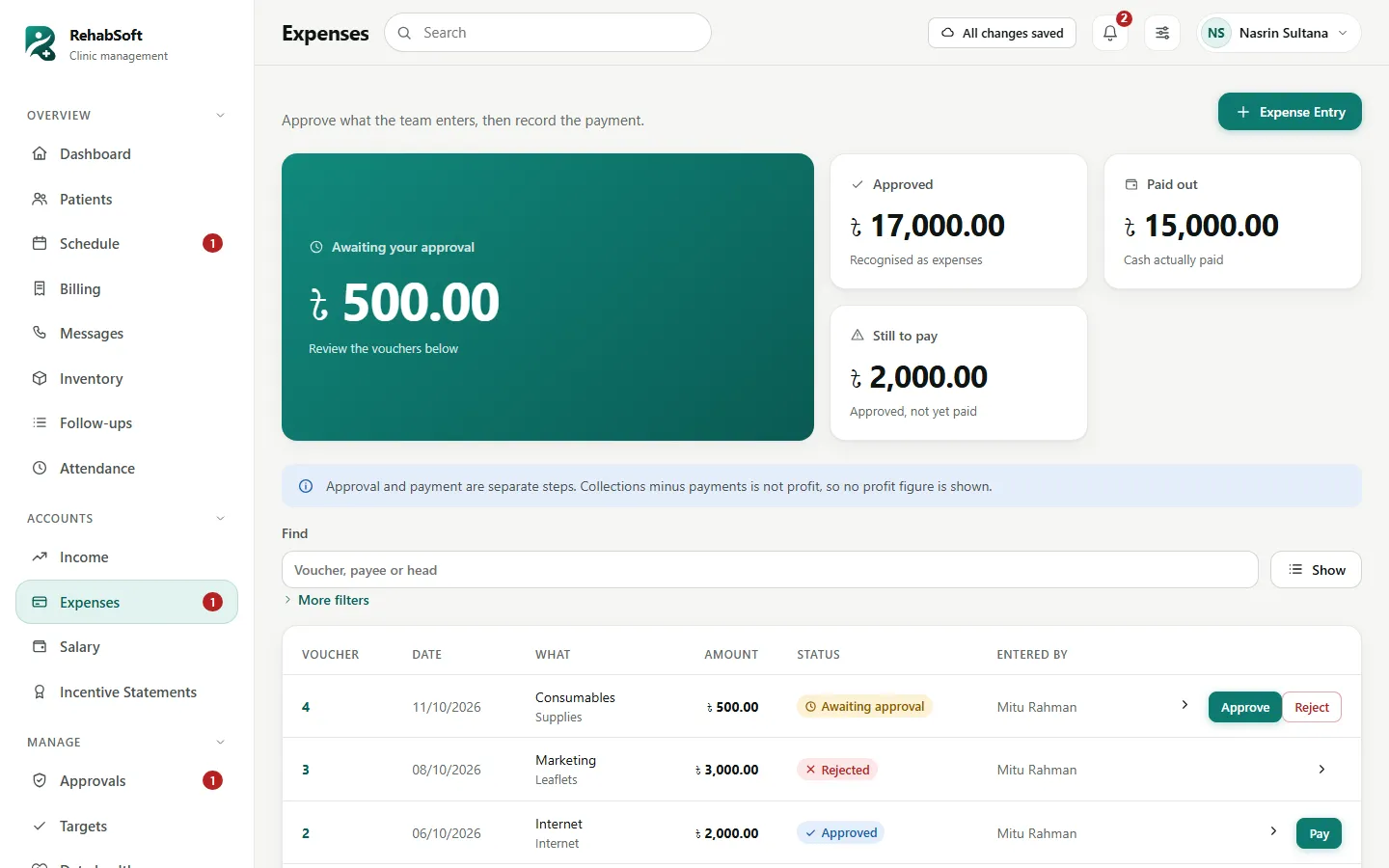
Expense vouchers that wait for approval, income, starting balances, monthly salary sheets and therapist and doctor incentives worked out from what was really collected.

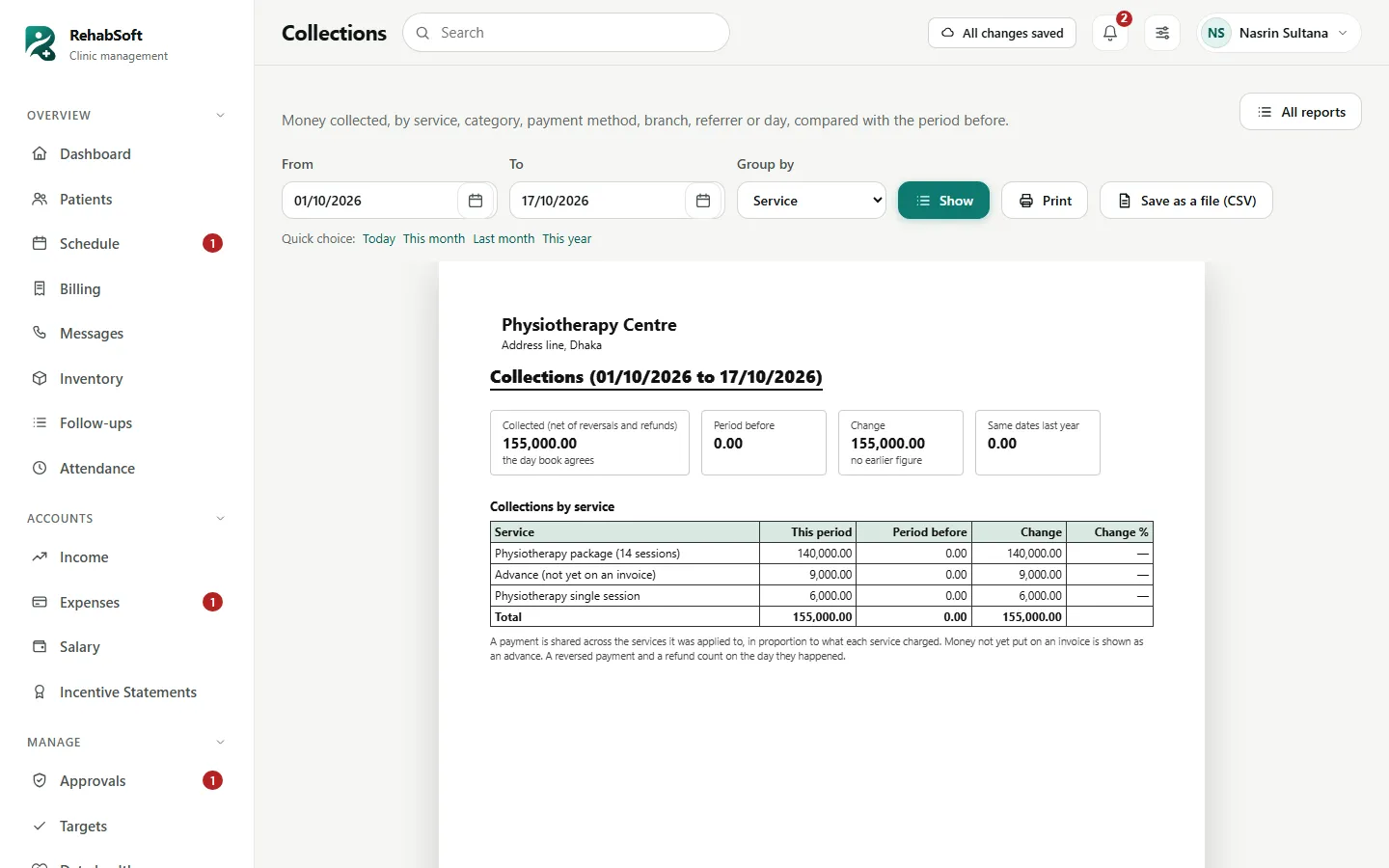
Collections, dues by age, packages, visits, therapist and consultant activity, referrers, waiting time and cash. Each compares with the period before, prints, and saves as a spreadsheet file.

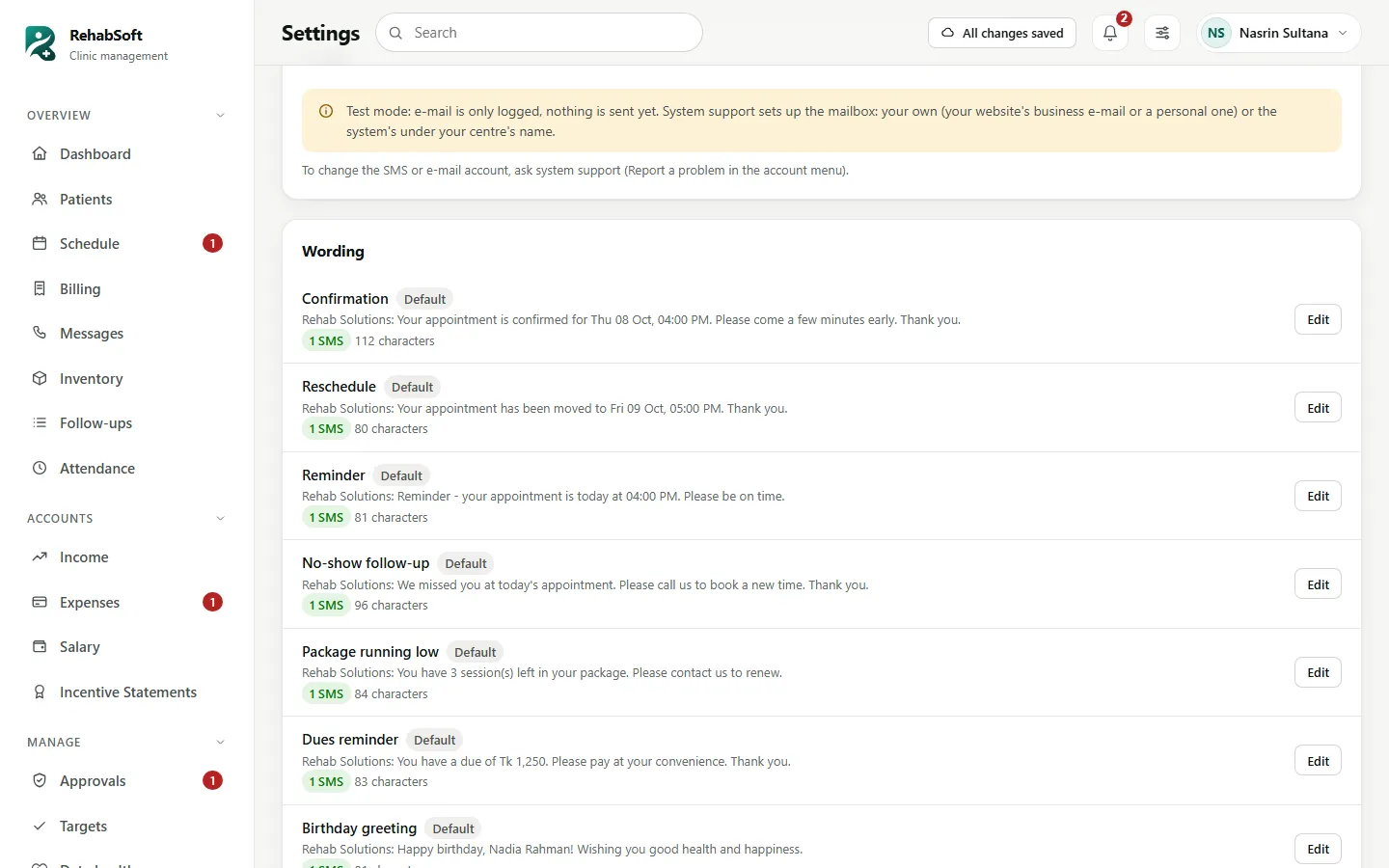
Booking confirmations, reminders and ready messages through the centre's own SMS account. Patients sign in with their phone to see visits, bills, prescriptions and home exercises.

The menu, the buttons and the data follow the role. The server checks every action, so a hidden button is never the only lock.
The whole centre: approvals in one inbox, team, prices, salary, reports, targets and settings. A morning summary by e-mail.
Patients, bookings, arrivals, money, receipts, texts and the day book. Never clinical notes or prescriptions: by design.
Every patient's clinical file: episodes, prescriptions, treatment direction and who may read what.
Their own patients and day: assessments, SOAP notes, vitals, home exercise programmes and progress reports.
A portal on the phone, in Bengali or English: next visit, packages left, bills, prescriptions and exercises.
Looks after the system: updates, nightly backups, the SMS and e-mail accounts, and answers to Report a problem.
Medical and money records are kept the way an auditor would want them: every change is a new entry with a name and a time.
Each of our centres has its own database and its own address.
Payments, refunds and signed records are never edited away; a correction is a new line.
If the internet drops while you save, the work waits on the device and is sent when it is back.
Each backup is checked by opening it, and the owner's morning summary says how old the last one is.
A clinical log of every view, print and upload. Access to a patient's notes is asked for and approved.
Five wrong passwords lock the login for five minutes; a new device is announced; sessions can be ended.
Dates as dd/mm/yyyy, amounts in taka with words in lakh and crore, A4, A5 and 80 mm receipts, mobile wallet payments, Bengali on the patient portal and short English SMS that cost one message.

What each person can do and where, from signing in to closing the month, and what to do when something goes wrong.
Open the manual TutorialsSet up a centre, register a patient, run the front desk, take money, write a prescription, record progress and close the month.
Start a tutorialYour centre has its own address. Staff and patients sign in there.