Close the month. In the right order.
The month closes cleanly when each step uses the one before it: approvals first, then incentives, then salary, then the reports.
1. Clear the approvals
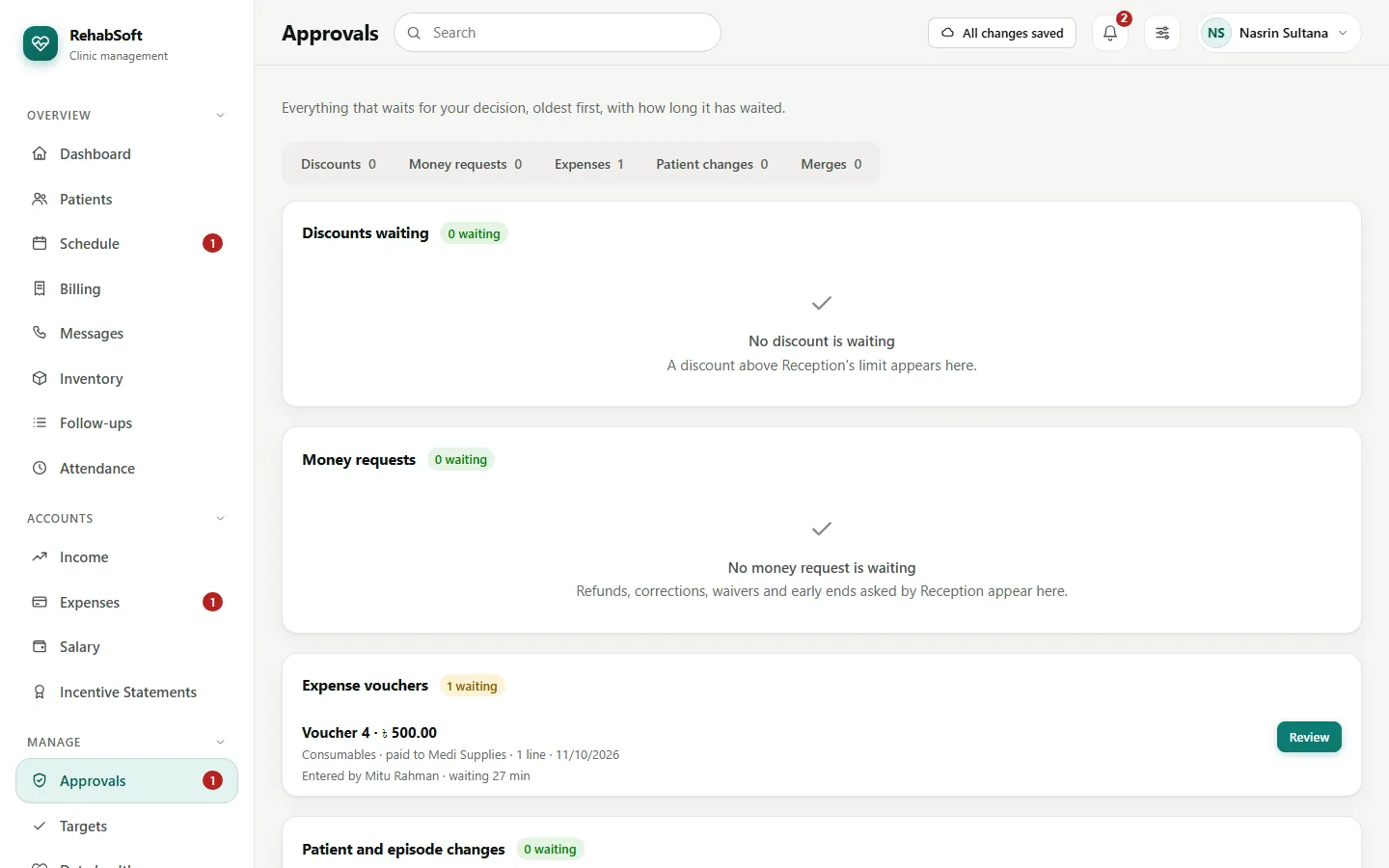
Open Approvals. Everything waiting for you is here, oldest first, with what will change. Approve or Reject with a reason. Then Expenses: Pay each approved voucher when the money actually goes out.
2. Approve the incentive statements
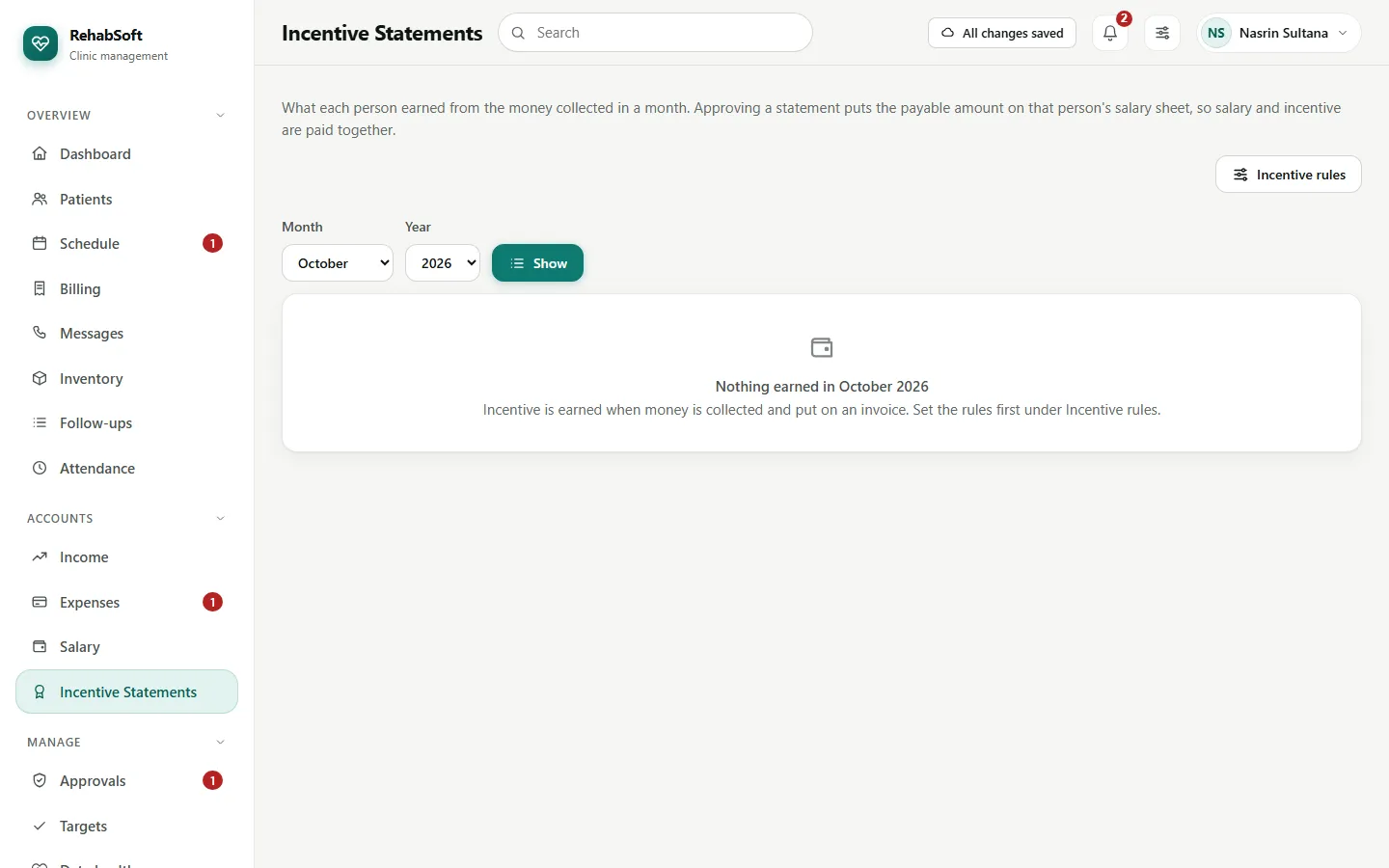
Incentive Statements works out each therapist's and doctor's earnings from what was really collected, under the rules in Incentive rules. Check a person's month and approve it, or use Approve everyone waiting; it tells you anyone it skipped and why.
3. Run the salary
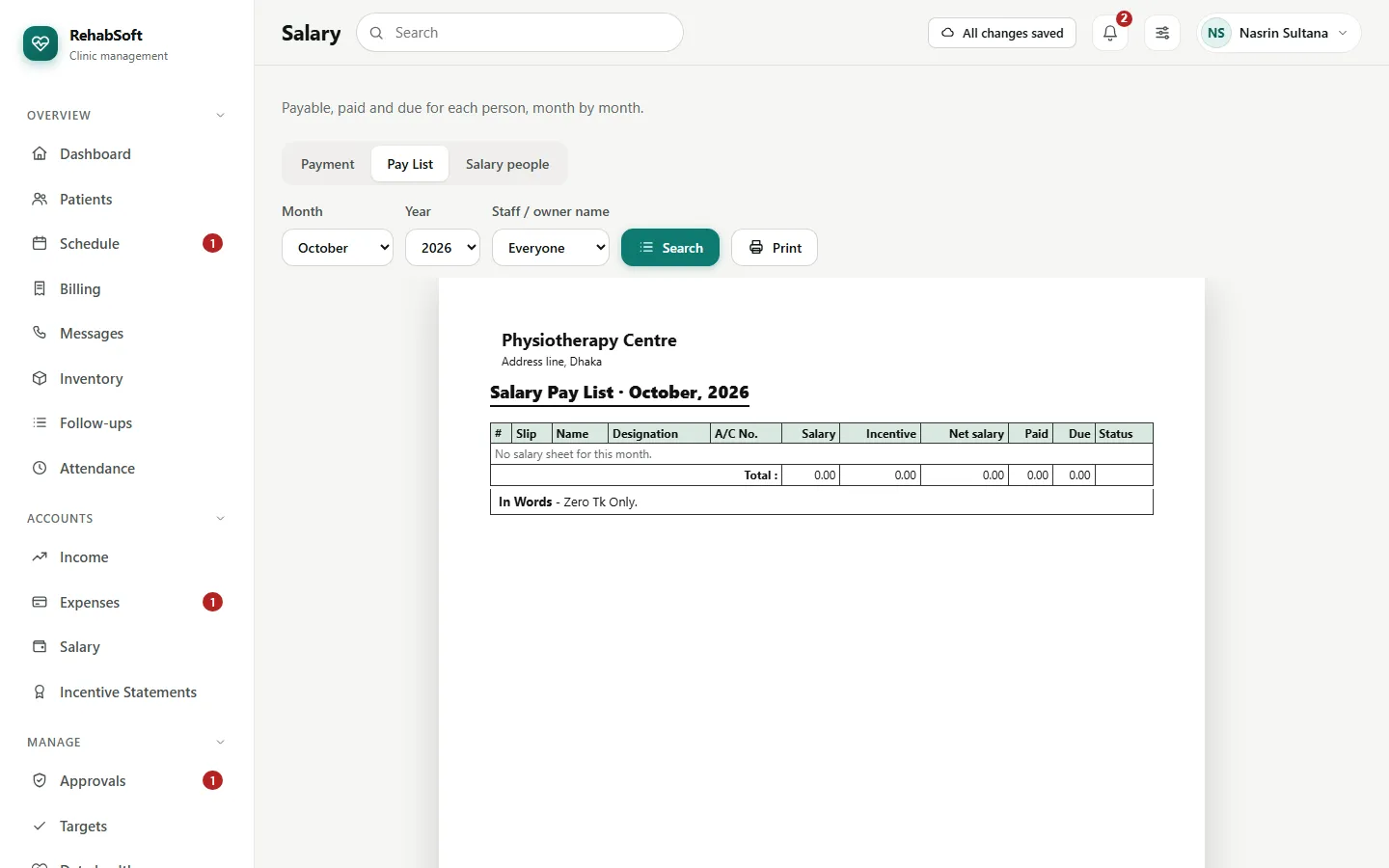
Salary builds the month's pay list from Salary people, with the approved incentives added. Pay each person and print the pay slips. Attendance is shown for reference only; nothing is deducted automatically.
4. Read the month
- Targets shows the month against what you set for money, visits and new patients.
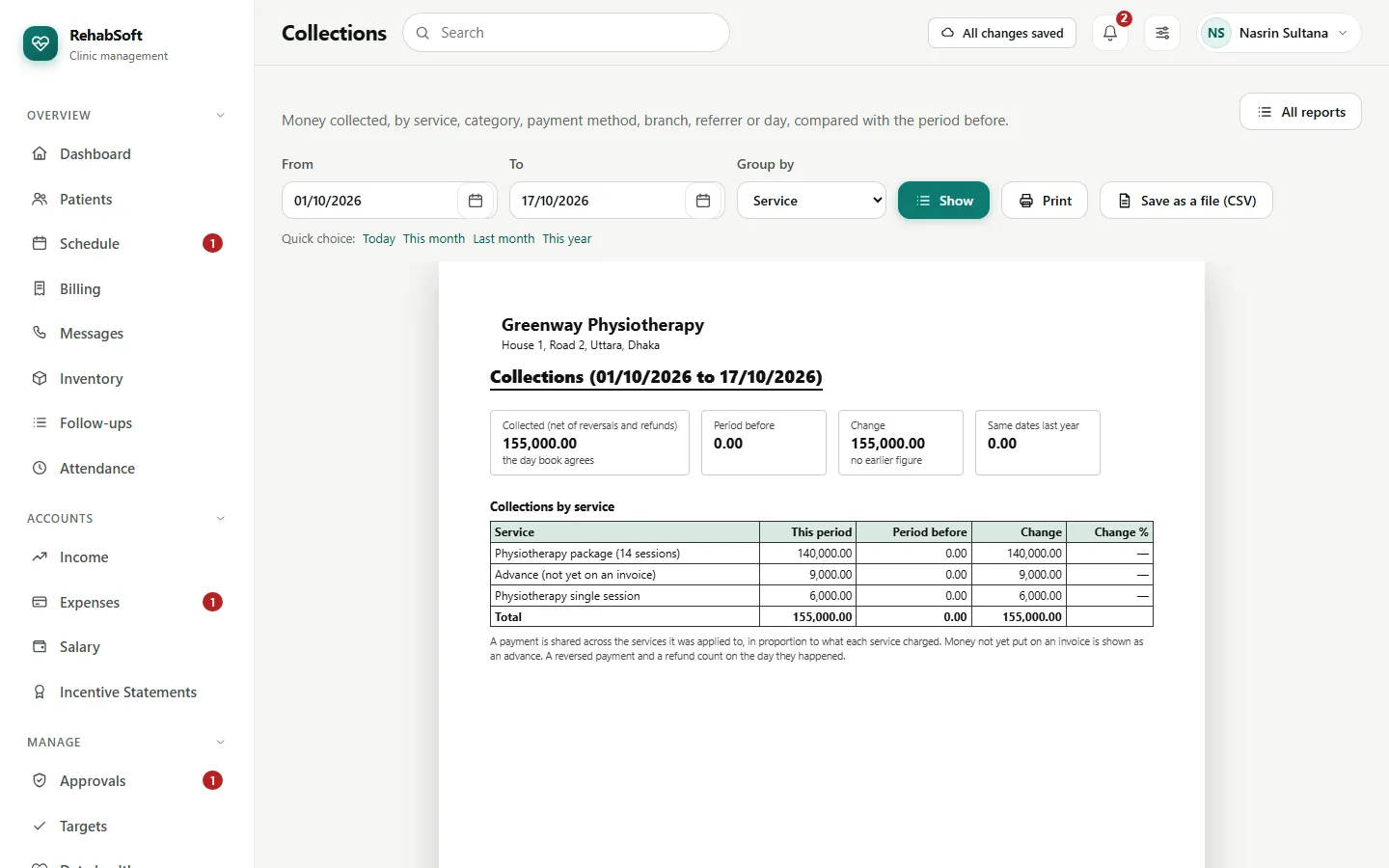
- Reports > Collections, Dues, Visits, Therapists, Waiting time and the cash reports compare with the month before. Print them, or save them as a spreadsheet file.
- Data health lists what to tidy before next month: missing phones, likely duplicates and unsigned drafts.